This app supports enhanced storage and sync with a Google Account login. Login is optional and free.
Your performance in this app contributes to your Mastery Report. You can view your progress and results anytime from your dashboard.

This app supports enhanced storage and sync with a Google Account login. Login is optional and free.
Your performance in this app contributes to your Mastery Report. You can view your progress and results anytime from your dashboard.
This is a Cheery Chimp original.
You work the shipping dock. Each package goes on a journey: first it's measured, then weighed, then paid for, then loaded onto a pallet, packed into the ship's hold, and dispatched on time. Most packages visit three of these stops, picked for what you most need to practise. The strip at the top shows where your package is.
Lay the item on the ruler, tape the box, cover its top with paper, or unfold it to wrap it. Then answer the question on the ticket, and the bench shows you how it works out.
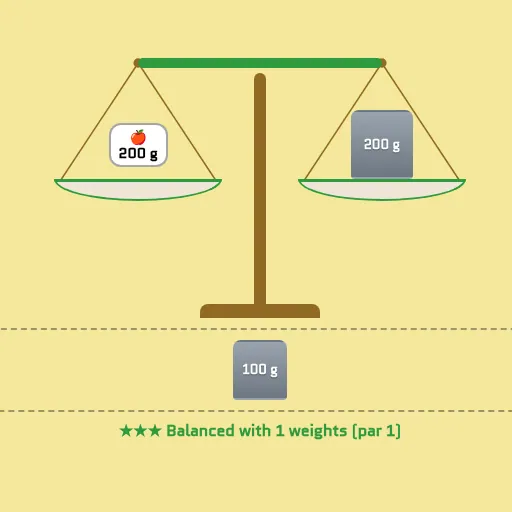
Tap the cards in the tray to put things on the scale, or to pack them into the box. Then answer the question on the ticket.
After you answer, the scale shows you: the needle counts the marks, the packed box goes on, or the dial lights up the room left in the sack.
Gold coins are worth 10, silver coins 5 and copper coins 1. Tip out the coins, open the till, stick the charges on the parcel, take the customer's coins, or weigh the parcel for the rate chart. Then answer, and the counter shows you: coins get counted, change is counted up, or the chart row lights up.
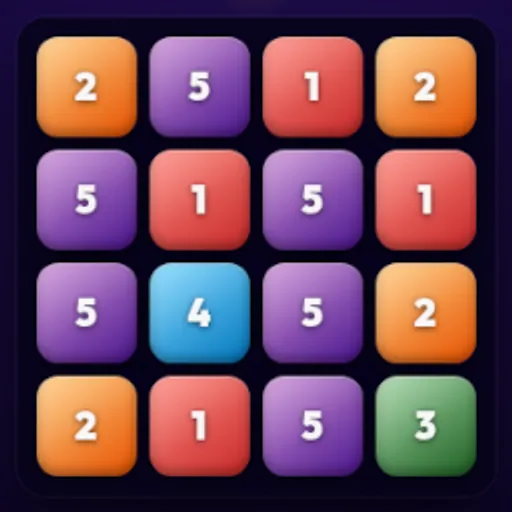
Tap or drag on the pallet grid to place a box. Tap a box you already placed to take it off. Some jobs use long boxes: use Rotate to turn them.
When the layer is full, type your answer on the number pad and press OK. The dock then shows you the answer: boxes get counted one by one, or the forklift stacks the rest so you can check.
The truck leaves at a set time. Read the clock, drag the hands to set it, change between AM/PM and the 24-hour clock, or work out how long until the truck leaves.
Type times like a microwave: 3, 1, 5 makes 3:15. Pick AM or PM when the keypad asks for it.
Crates go into the ship's hold. Open the hatch, bring a crate over, then work out how many fit: one row, the whole floor, or stacked all the way up. A crate can't be cut, so any space too small for a whole crate is left as a gap. Later jobs let you turn the crates to see which way fits more.
Every five packages is a shift. At the end of a shift you'll see how many you got right first time and which stages you moved up in. Get five in a row right without the pad for a medal, then keep the run going.
When a step is too big to do in your head, press ✎ Pad on the keypad. Tap two numbers from the ticket and a sign, and the math pad helps you work it out one small fact at a time. Each answer becomes a new number you can use in the next step, or put straight into your answer.
Each package usually visits three stages, picked for you: the ones you need most practice in, plus now and then one you're already good at, for review. Every stage comes round again before long. To play every stage with every package, choose Full route in Settings.
Each stage has their own ladder of jobs. Right answers move you up; a miss drops you back one step. You might be on easy measuring jobs and hard pallet jobs at the same time, and that's fine.
Change units or pick a job in Settings.