This app supports enhanced storage and sync with a Google Account login. Login is optional and free.
Your performance in this app contributes to your Mastery Report. You can view your progress and results anytime from your dashboard.
This app supports enhanced storage and sync with a Google Account login. Login is optional and free.
Your performance in this app contributes to your Mastery Report. You can view your progress and results anytime from your dashboard.
This is a Cheery Chimp original.
Math Pad Learn teaches factors and primes, fractions, column addition and subtraction, long multiplication and division, decimals, ratios and percentages, negative numbers, order of operations, equations and sequences, one small idea at a time. There's no timer and no score to beat: pick a topic and go at your own pace.
For a decimal answer there's one box: use the . key for the point. For a percent, type just the number (75, not 75%). When an answer can be negative, the − key makes it negative. For prime factors, type the primes with the × key between them, in any order.
Tap a box to fill it in: the big box is for whole numbers, the two small ones are the top and bottom of a fraction. Use only the boxes you need. → moves to the next box.
If an answer isn't right, tap Work it on the pad to see where it went wrong.
Long multiplication, long division and decimals work here too: type 234 × 56, 7438 ÷ 6 or 2.4 ÷ 0.6. You can also turn a fraction into a decimal or a decimal into a fraction.
Type any fraction problem, like 3/4 + 1 1/2 or 2/3 ÷ 4, and watch it worked or work it yourself. You can also simplify a fraction, or switch between mixed numbers and improper fractions.
As you get good at a kind of fact, like the 5 times table, the pad stops asking it and fills it in for you, so your time goes on the fractions. You can turn that off. You can also choose which small facts the pad fills in for you, whether it finds a common bottom by counting or by multiplying, and whether it shows the why notes.
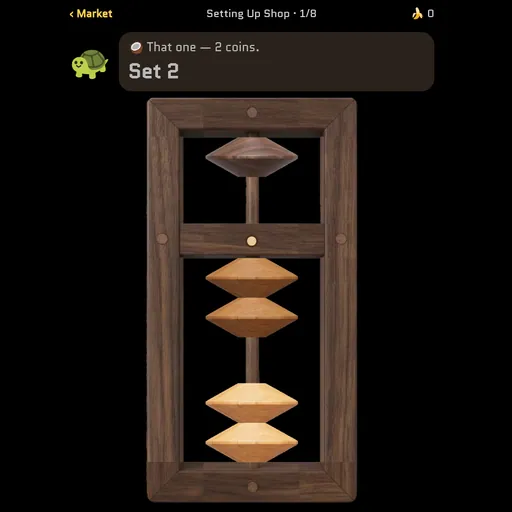
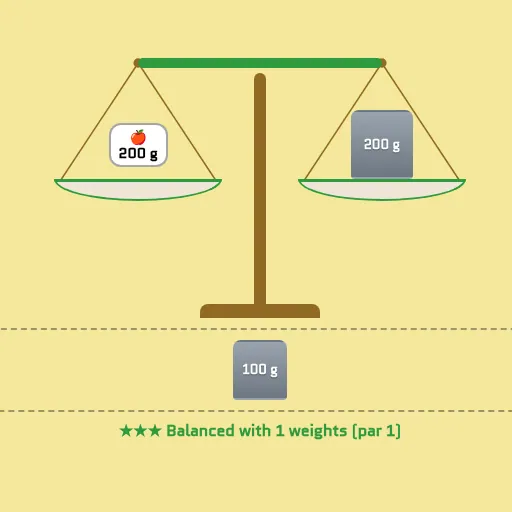
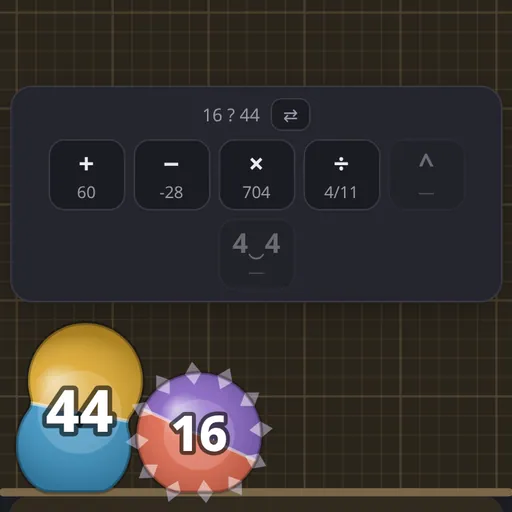
The Math Pad started as a helper for our math games: a dry-erase board that pops up when a problem is too big to do in your head. You still do every small fact yourself (6 × 4, 4 × ? = 12, 28 − 9), and the pad keeps track of the steps. It works well, but it assumes you already know how to add fractions with different bottoms, or why dividing by a fraction means flipping it.
Math Pad Learn is for the time before that, when a kind of math is new. It isn't a game. It's a quiet place to learn, on your own, at your own speed.
Fractions are often taught as a list of rules: find a common denominator, multiply top and bottom, flip and multiply. You can follow those rules without knowing what they mean, and then forget them. So for this app we taught the Math Pad to explain itself. Every line it writes now comes with a short why note, and the notes talk about pieces and wholes instead of rules: "Cut each of the quarters into 3 smaller pieces. 3/3 is 1, so the amount stays the same."
Each topic follows the way people usually learn something new. First you see it, with pictures of bars and squares. Then you watch the pad work an example, one step at a time. Then you work one together, with the pad asking the small facts and still explaining each line. Last, you do one solo. Three in a row and you've got it.
There are thirteen fraction topics, from simplifying all the way to dividing a fraction by a fraction, and a sandbox where you can try any problem you like.